
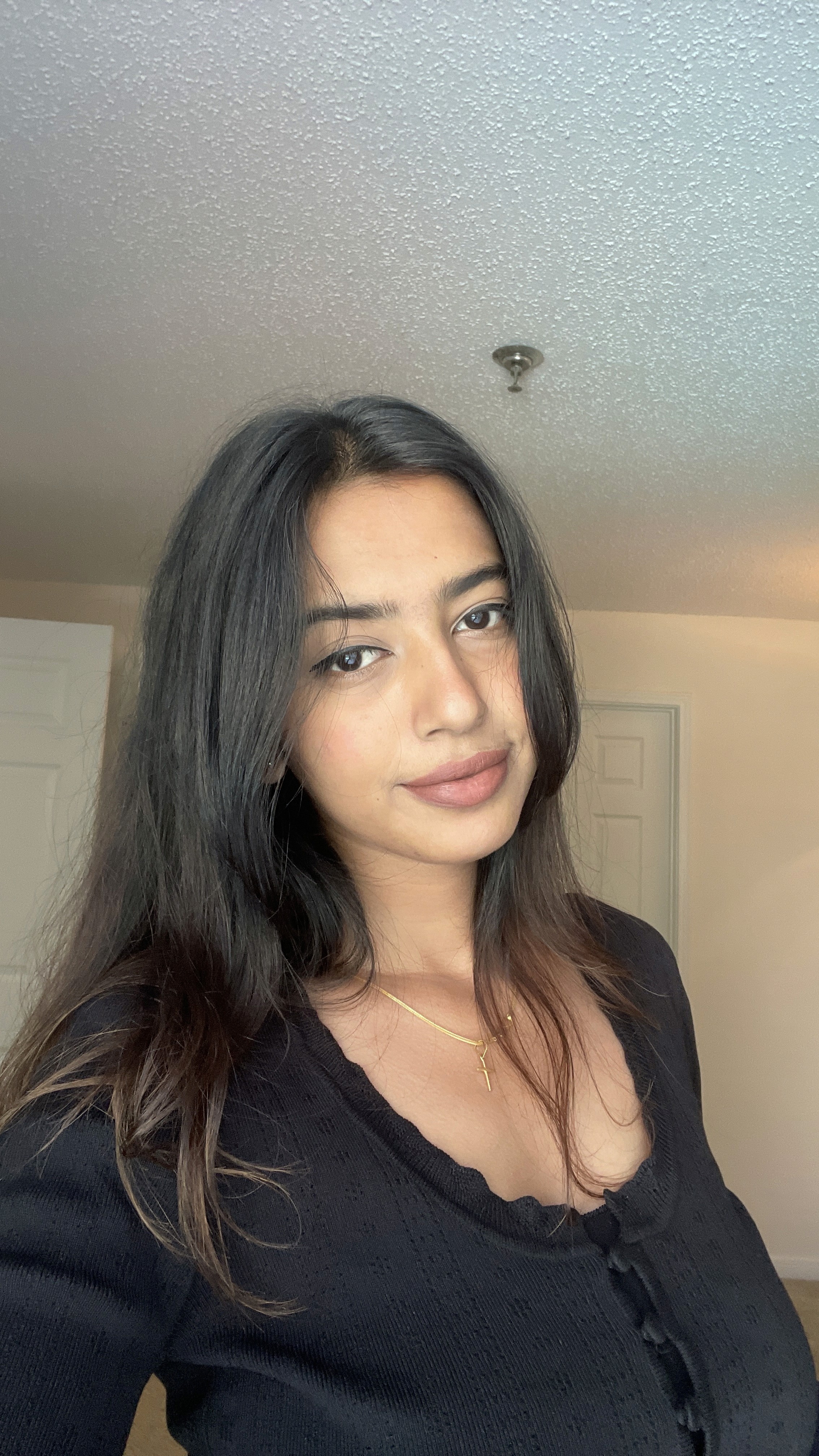
Hellooo ✌️ This is Shwetha Bertilla
Currently an intern at GRO, and previously at Pearson and Accenture
Hellooo ✌️ This is Shwetha Bertilla
Currently an intern at GRO, and previously at Pearson and Accenture
Product Designer and HCI Student
Product Designer and HCI Student
Indianapolis, IN
EST (GMT−5)
Looking for Full-Time roles
Indianapolis, IN
EST (GMT−5)
Looking for Full-Time roles
Indianapolis, IN
EST (GMT−5)
Looking for Full-Time roles
Hellooo ✌️ This is Shwetha Bertilla
Currently an intern at GRO, and previously at Pearson and Accenture
Product Designer
and HCI Student
With 2.5 years of experience designing SaaS and enterprise B2B products, along with a few 0 -> 1 consumer builds, I’ve learned how to take fuzzy ideas and shape them into clear, WCAG-compliant and accessible workflows. I rely on research, prototyping, and usability testing to guide every step, making sure the interface quietly steps aside so users can focus on getting real work done.
With 2.5 years of experience designing SaaS and enterprise B2B products, along with a few 0 -> 1 consumer builds, I’ve learned how to take fuzzy ideas and shape them into clear, WCAG-compliant and accessible workflows. I rely on research, prototyping, and usability testing to guide every step, making sure the interface quietly steps aside so users can focus on getting real work done.





Hey! I’m Shwetha Bertilla 🙋🏻♀️
You’re on a tablet 🙋🏻♀️ LOVE THE ENERGY
But this case study includes detailed grids, hover states and motion that are designed for desktop.
Case Studies
Case Studies
Some of my works
Pearson VUE : TOPAZ Design System
Delivered reusable components that cut design-to-dev time by 25%
INTERNSHIP
Enterprise Saas
B2B2C

Currently Interning
Employer: GRO
UX/UI Design Intern
Sep - Present
Every project leaves a lesson
Every project leaves a lesson
These are the ones that
shaped
s
h
a
p
e
d
me
Bad Day First
I design for the bad days first: slow networks, wrong inputs, empty states. I write gentle, human messages with a clear next step and make sure everything still works with just a keyboard before I worry about how pretty it looks.
Bad Day First
I design for the bad days first: slow networks, wrong inputs, empty states. I write gentle, human messages with a clear next step and make sure everything still works with just a keyboard before I worry about how pretty it looks.
Pin the Why
Before I dive in, I write a tiny note: who this helps, what’s changing, and how someone starts. I keep that pinned while I design, so it’s easier to cut noisy ideas and stay honest about what the screen is really for.
Three Signals
When I can, I listen in three directions: a few real users, a handful of support tickets, and one simple data chart. Together they tell me where people are getting stuck and what’s worth fixing next, not just what looks interesting.
Gentle Subtraction
I try removing one field, one step, or one extra visual detail. If it doesn’t make the task clearer or faster, it goes back in. Simplicity is never about stripping things bare; it’s about removing only what the user won’t miss.
Real-World Prototype
I swap fake copy for real, messy content. I try bad inputs, odd edge cases, and slow connections with loaders and retries. If the flow still feels calm and understandable in that chaos, then I know it’s ready to be seen.
Story in Numbers
I like to set one success goal and one “don’t break this” guardrail. Then I watch how many people start, finish, and drop off. The numbers don’t replace the story, but they help me decide what to fix, protect, or try next.